ChatGPT test recorded
Tool call and visible widget · 11 Oct 2026.
A control worked · 11 Oct 2026.
A file download was checked · 11 Oct 2026.
EVERYDAY · REMOTE MCP PLUGIN

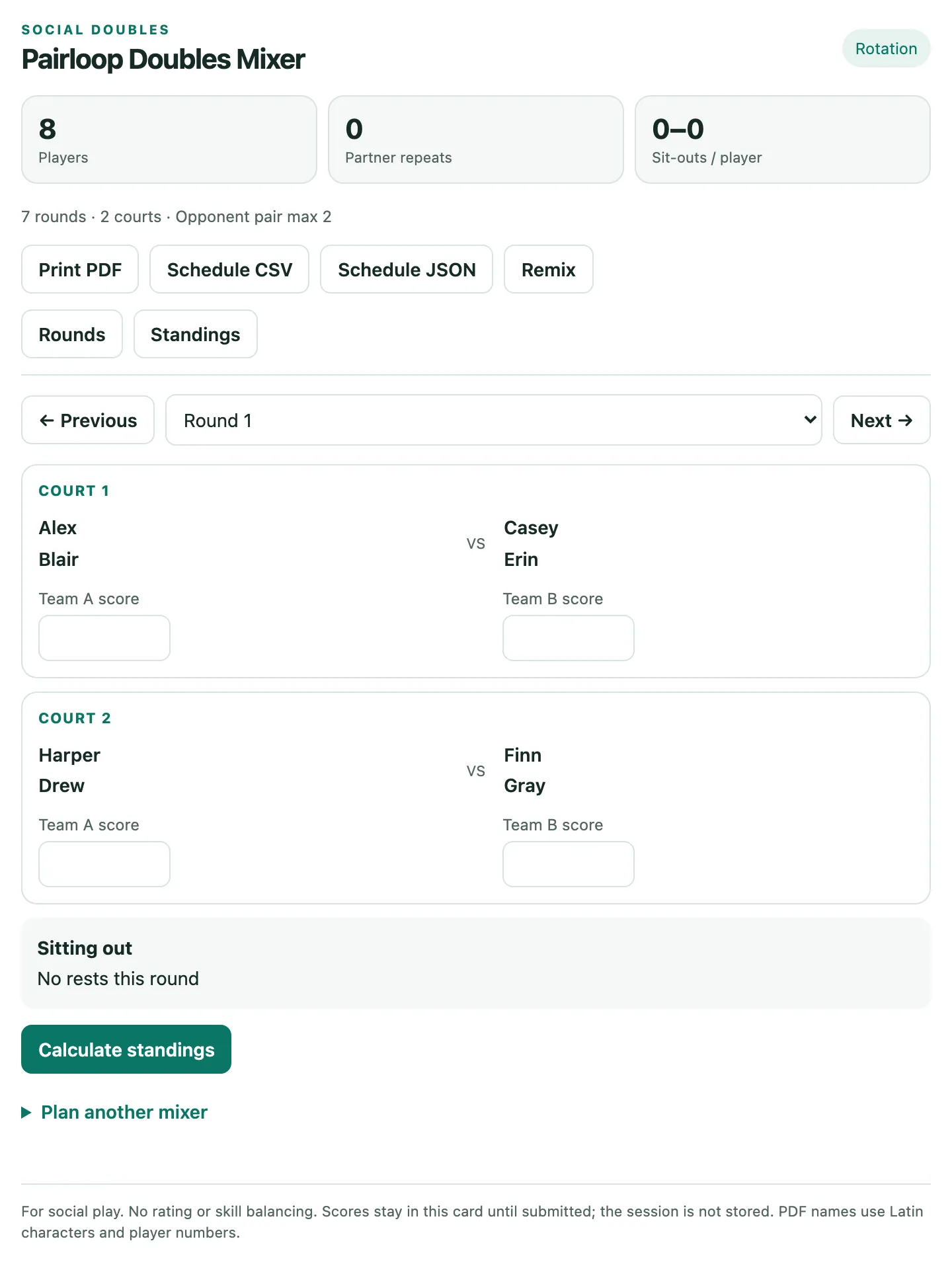
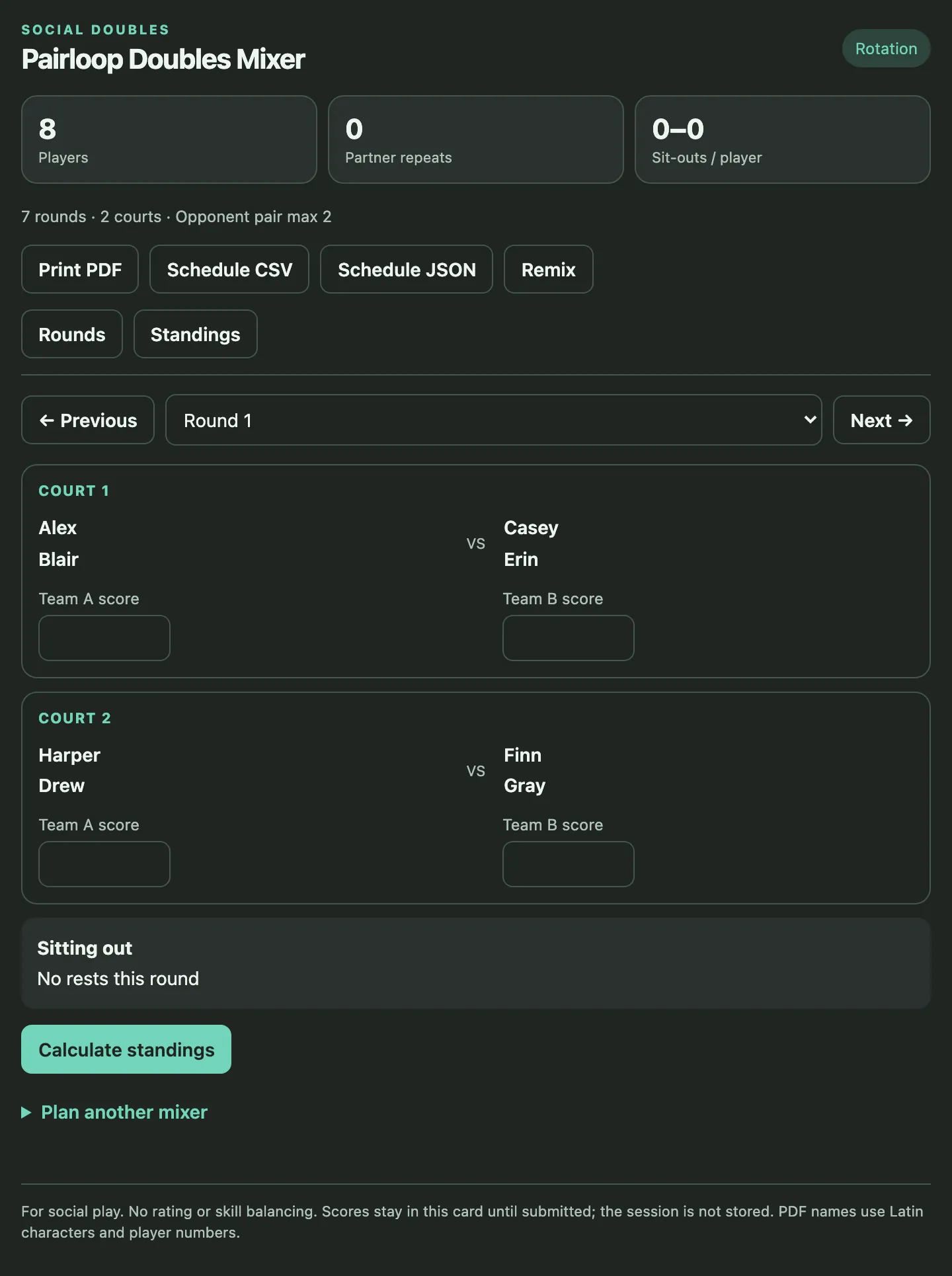
Build doubles rounds with rotating partners, court assignments, and rest turns.
You askMake a mixer for Alex, Blair, Casey, Drew, Erin, Finn, Gray, Harper: 2 courts, 7 rounds, seed 42.
RELEASE CHECK · 16 NOV 2026
The fleet records a reviewed source release after the 11 Oct 2026 review. That source check does not certify every input or every account.
The shared widget fix is recorded in this release. It prevents a repeated host result from resetting work already entered in the widget.
Tool call and visible widget · 11 Oct 2026.
A control worked · 11 Oct 2026.
A file download was checked · 11 Oct 2026.
Tool call and visible widget · 11 Oct 2026.
A control worked · 11 Oct 2026.
A file download was checked · 11 Oct 2026.
These were synthetic tasks in the test accounts. A dated host test is separate from directory approval and access in your account.
See the fleet snapshot and its limits ↗LIVE IN A PUBLIC DIRECTORY
ChatGPT: open the listing and select Install plugin. Your plan and workspace can limit access.
Custom connections require support in your AI app, plan, and workspace. Follow the host guide before you use the prompt.
A TASK TO TRY
Make a mixer for Alex, Blair, Casey, Drew, Erin, Finn, Gray, Harper: 2 courts, 7 rounds, seed 42.
BEFORE YOU CONNECT
Real ChatGPT and Claude conversations recorded successful tool calls and visible widgets on 11 October 2026. These were synthetic tasks in the test accounts; they do not certify every function or your account access.
WHAT THE SERVER EXPOSES
Names and descriptions below come from live MCP discovery. They describe the server; they are not a test of every function in ChatGPT or Claude.
generate_mixer_scheduleUse this when the user wants a pickleball round robin generator, pickleball mixer, rotating partners schedule, tennis mixer schedule or padel americano. Makes balanced rests, partner rotations, a fairness summary, printable PDF score sheets and CSV for 4 to 48 players, 1 to 12 courts and 1 to 24 rounds. Does not balance ratings or make fixed-team brackets; bounded optimization can leave partner repeats above the lower bound.
score_mixer_standingsUse this when the user wants individual standings from a social doubles schedule and game scores. Counts wins, losses, draws, points for, points against, difference and win percent for up to 48 players and 288 scores. Accepts a generated schedule_request or an indexed schedule; unscored games stay pending. Does not use rating systems or governing tournament rules.
check_mixer_fairnessUse this when the user wants to check social doubles schedule limits before making a rotating partners schedule. Reports usable courts, balanced sit-out totals, unavoidable consecutive rests and a counting lower bound on partner repeats for 4 to 48 players and 1 to 24 rounds. Does not claim that bounded scheduling reaches the lower bound or balance player ratings.
ADAPT THIS TASK TO YOUR WORK
Start a brief from Pairloop Doubles Mixer. Describe your inputs, the result you need, and the checks that define a useful result. Download it before you share it.
The brief runs in your browser. Custom projects need a separate scope and price agreement.
EXPLORE THE SAME TASK CATEGORY
These tools have reviewed releases in the dated fleet snapshot. Check each plugin's limits and setup before use.
Take a personality questionnaire and review your scores.
Split a bill or shared expenses and list who pays whom.
Create different bingo cards from words or numbers and run the caller.
COLLECTIONS