ChatGPT test recorded
Tool call and visible widget · 11 Oct 2026.
A control worked · 11 Oct 2026.
PRINT AND CREATE · REMOTE MCP PLUGIN

Set a practice metronome, convert tempo to note durations, and plan a tempo ladder.
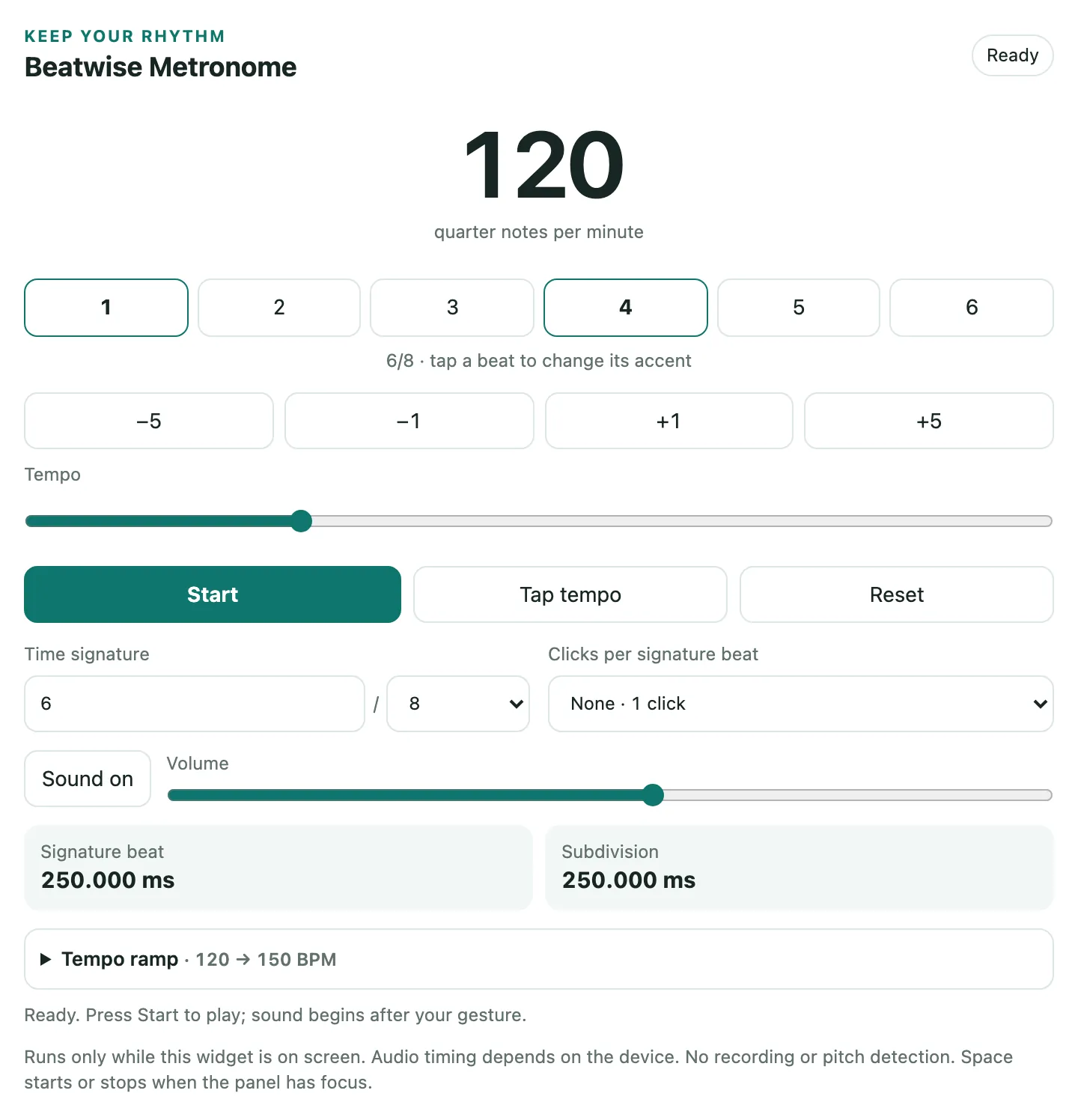
You askStart a 6/8 metronome at 120 bpm with accents on beats 1 and 4, and speed up by 5 bpm every 4 bars until 150.
RELEASE CHECK · 16 NOV 2026
The fleet records a reviewed source release after the 11 Oct 2026 review. That source check does not certify every input or every account.
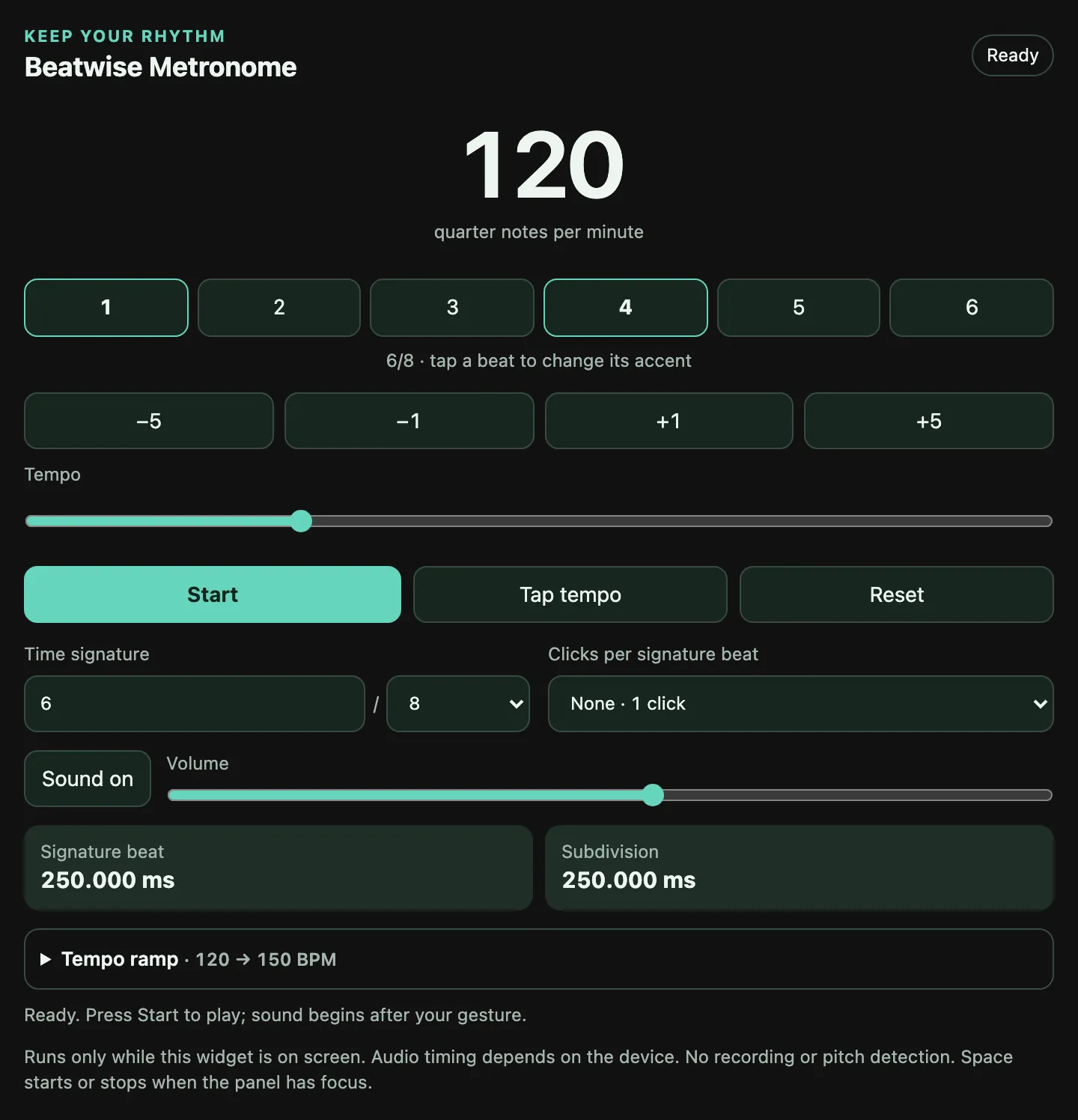
The shared widget fix is recorded in this release. It prevents a repeated host result from resetting work already entered in the widget.
Tool call and visible widget · 11 Oct 2026.
A control worked · 11 Oct 2026.
Tool call and visible widget · 11 Oct 2026.
A control worked · 11 Oct 2026.
These were synthetic tasks in the test accounts. A dated host test is separate from directory approval and access in your account.
See the fleet snapshot and its limits ↗LIVE IN A PUBLIC DIRECTORY
ChatGPT: open the listing and select Install plugin. Your plan and workspace can limit access.
Custom connections require support in your AI app, plan, and workspace. Follow the host guide before you use the prompt.
A TASK TO TRY
Start a 6/8 metronome at 120 bpm with accents on beats 1 and 4, and speed up by 5 bpm every 4 bars until 150.
BEFORE YOU CONNECT
Real ChatGPT and Claude conversations recorded successful tool calls and visible widgets on 11 October 2026. These were synthetic tasks in the test accounts; they do not certify every function or your account access.
WHAT THE SERVER EXPOSES
Names and descriptions below come from live MCP discovery. They describe the server; they are not a test of every function in ChatGPT or Claude.
show_metronomeUse this when the user wants a metronome, online metronome, 120 bpm metronome, tap tempo or a metronome for practice. Opens a live beat widget with 20 to 400 quarter-note BPM, 1 to 16 beats per bar, accents, subdivisions and an optional ramp with up to 1000 tempo stages. Reports milliseconds per beat and subdivision. The widget runs only while on screen; audio timing depends on the device. Does not record audio or detect pitch.
calculate_tempo_valuesUse this when the user wants bpm to ms, a delay time calculator, tempo calculator, note cycle hertz, milliseconds to beats per minute, bar length or song length. Accepts BPM or a note duration and returns whole to sixty-fourth values, dotted and triplet, pre-delay suggestions and approximate Italian marking ranges. BPM is quarter notes per minute, 20 to 400; up to 100000 song bars. Hertz is rhythmic repetition, not pitch. Does not record audio or detect pitch.
plan_tempo_practiceUse this when the user wants a metronome for practice with a tempo ladder from start to target BPM, a BPM or percent step and minutes per stage. Returns the ladder table, total time and CSV download. Supports ascending or descending 20 to 400 BPM with up to 200 stages; percent steps round to 0.001 BPM and target gets the full stage time. Does not track sessions or record audio.
ADAPT THIS TASK TO YOUR WORK
Start a brief from Beatwise Metronome. Describe your inputs, the result you need, and the checks that define a useful result. Download it before you share it.
The brief runs in your browser. Custom projects need a separate scope and price agreement.
EXPLORE THE SAME TASK CATEGORY
These tools have reviewed releases in the dated fleet snapshot. Check each plugin's limits and setup before use.
Transpose chord sheets between keys and compare guitar capo options.
Prepare a scrolling script and estimate speech timing at your chosen pace.
Create a printable star map for a place, date, and time.
COLLECTIONS